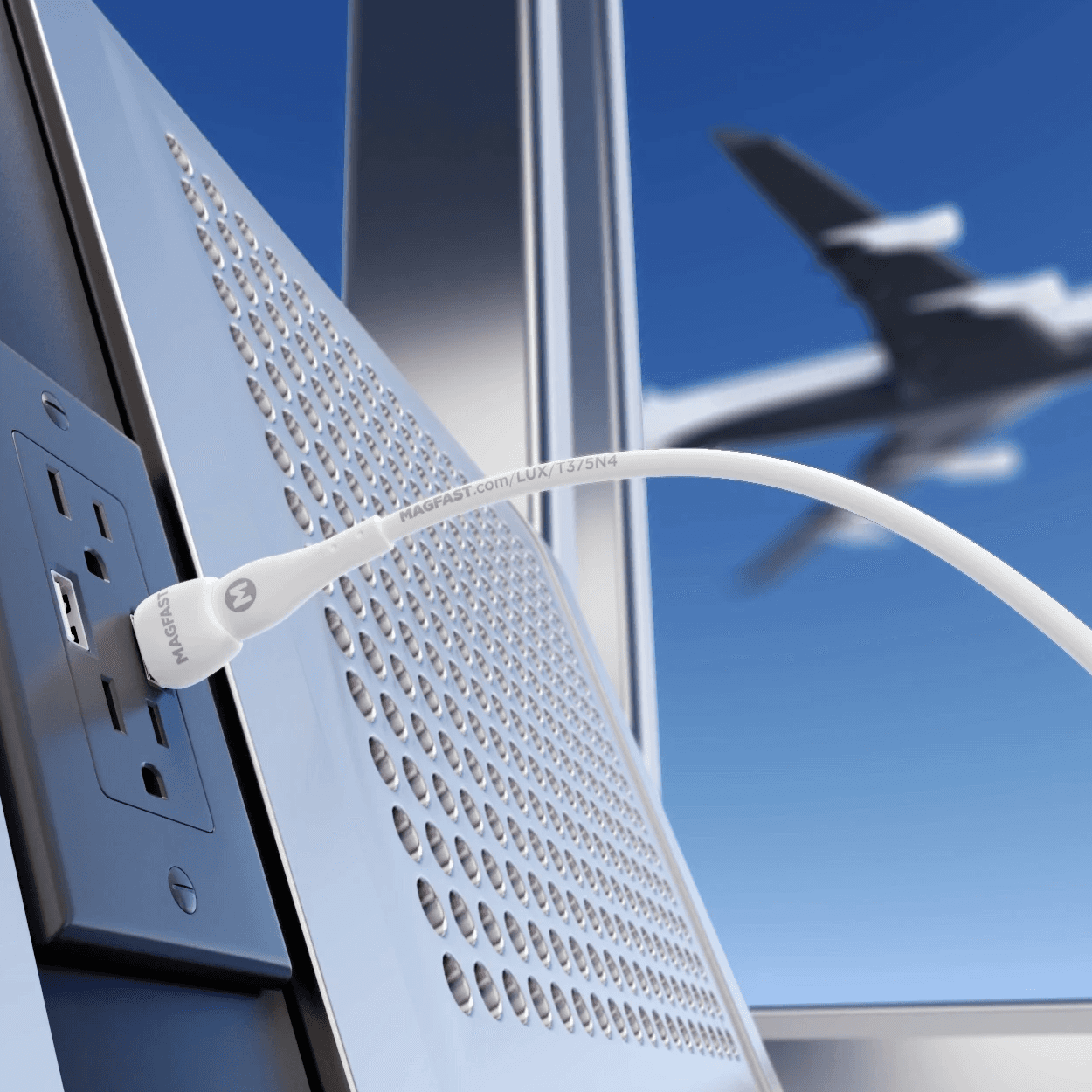
Hotel rooms have never had enough outlets in the right places. Add a laptop, a phone, earbuds, a watch and a camera, and the nightstand becomes a charging station built from five different bricks, one of which you will leave behind at checkout.
You can now fit that entire kit into one charger and two cables. Here is how to build it.
Why one charger works now
Two developments made the single-charger kit possible. Nearly every current device, from laptops to earbuds, charges over USB-C, a shift the European Union made mandatory for many devices in December 2024 and for laptops in April 2026. And USB Power Delivery can now carry up to 240 watts through that same connector, enough for most laptops.
The other change sits inside the charger. Gallium nitride, or GaN, components run cooler and deliver more power from a smaller body than older silicon chargers. A GaN charger that powers a laptop and a phone together can be smaller than the laptop brick it replaces.
Choosing the charger
Size the charger to your hungriest devices charging at the same time. Check the laptop’s charging wattage, add your phone, and leave some headroom.
- Total wattage. For a laptop and a phone together, 100 watts or more is a comfortable target.
- Port count and mix. Three USB-C ports plus one USB-A covers most kits, including an older accessory.
- Per-port power. Confirm the main port can deliver your laptop’s full wattage on its own.
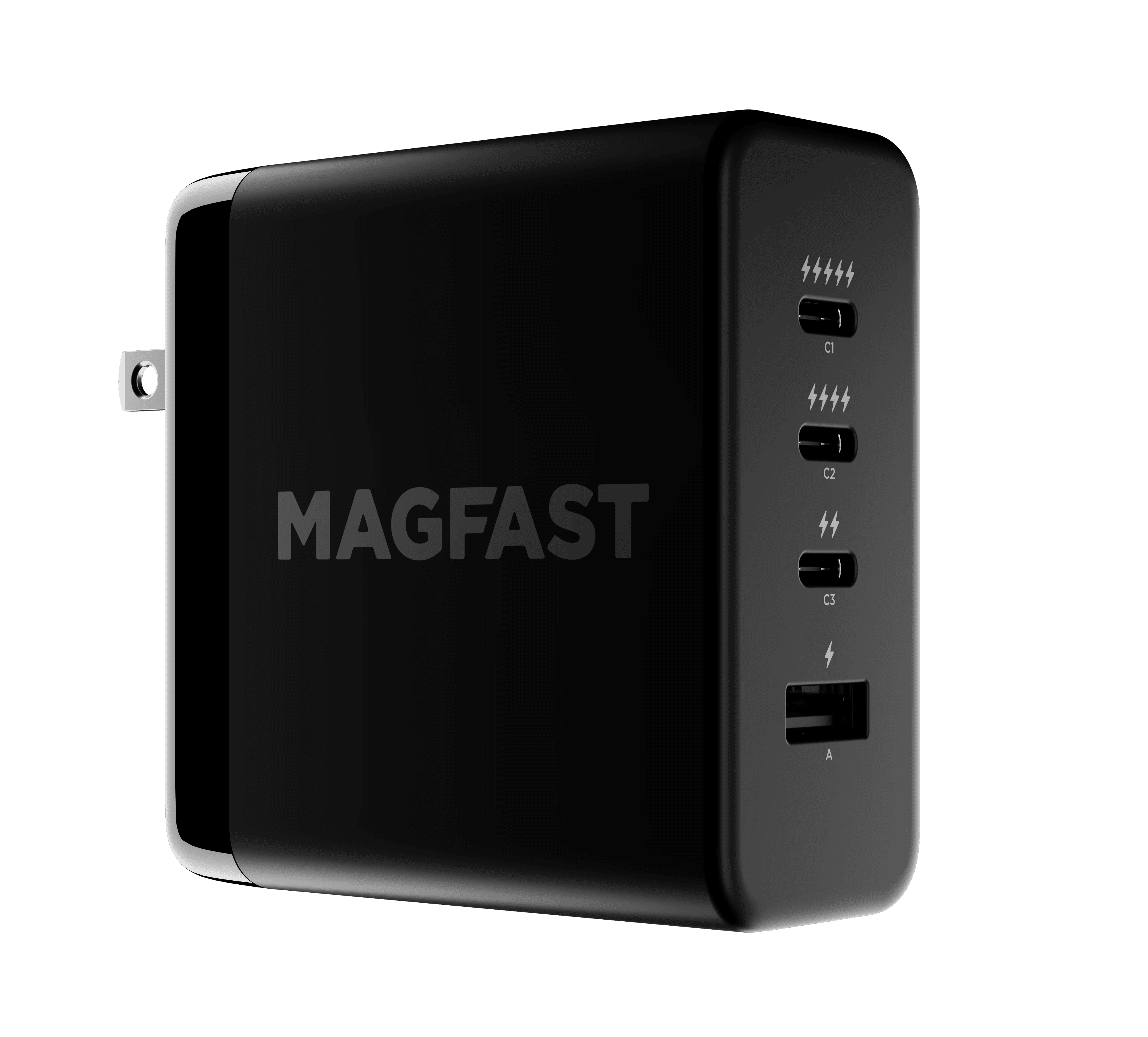
MAGFAST, a New York charging company, makes one example. The company says its Powerbrick Pro 140 uses GaN technology to deliver 140 watts of USB-C Power Delivery across three USB-C ports and one USB-A port.
Choosing the cables
Cables are where travel kits quietly fail. A frayed cable or one rated for low power turns a fast charger into a slow one.
- Bring two. One long cable for the bedside, one short for the bag.
- Rate at least one for your laptop. Above 100 watts, you need a cable built for USB Power Delivery’s Extended Power Range.
- Pick durability. Travel cables get wrapped, stuffed and yanked more than any at home.
MAGFAST says its Lux Pro cables are rated at 240 watts with 10Gbps data transfer, and it offers a limited lifetime warranty on its Lux range.
Adapters and plugs
A USB-C charger removes the need for device-specific bricks, not for plug adapters. If you travel internationally, check that your charger accepts 100 to 240 volts, which most modern chargers do, and pack a simple plug adapter for the destination’s sockets. Avoid voltage converters with modern chargers unless the label says you need one.
Keep the phone topped up in transit
For long travel days, a power bank bridges the gap between outlets. Check your airline’s rules before you fly. Airlines generally require power banks in carry-on luggage, not checked bags, and limit battery capacity.
The one-charger kit
- One multi-port GaN USB-C charger
- One long USB-C cable rated for your laptop
- One short USB-C cable for your phone or earbuds
- A plug adapter for your destination
- A power bank in your carry-on
That kit fits in a small pouch, charges everything overnight from a single outlet, and leaves one thing to remember at checkout.